Adding a Zigbee device to Zigbee2MQTT and Home Assistant
Adding Zigbee Temperature & Humidity Sensor into HA via Z2M
Environment#
- OS: Debian GNU/Linux 12 (bookworm)
- Kernel: Linux 6.12.33+deb12-amd64
- Architecture: x86-64
- HA: Home Assistant Container
- Core: 2025.7.4
- Frontend: 20250702.3
Prerequisite#
- Setup Home Assistant
- Setup Zigbee network
- A Zigbee 3.0 Device. Check Z2M database ↗ for supported devices.
How to Do It#
1. Adding the device into Zigbee network#
- Insert battery or plug the device to power source.
- Set the device to pairing mode (usually has flashing indicator) according to its manual.
- On Zigbee2MQTT frontend portal, Press “Permit join”.

- Then, we can see that the device has been added automatically.
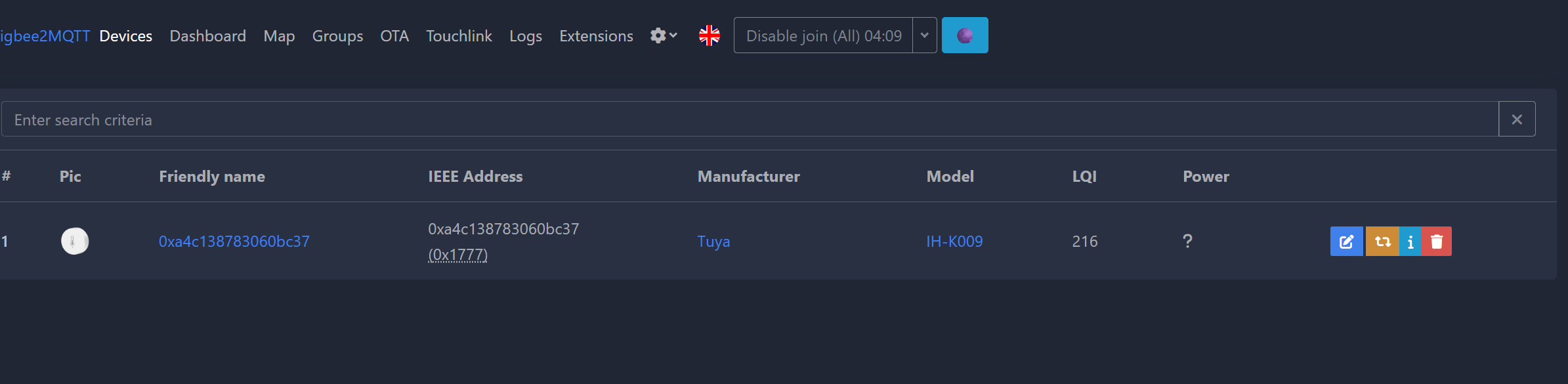
- Turn off device scanning by clicking “Disable join”, which is the same button as “Permit join” above.
Note: Sometimes the device may looks different from the image on Z2M.
2. Config and connect to HA#
Click on the device “Friendly name”, first edit the friendly name to something that is truly friendly.
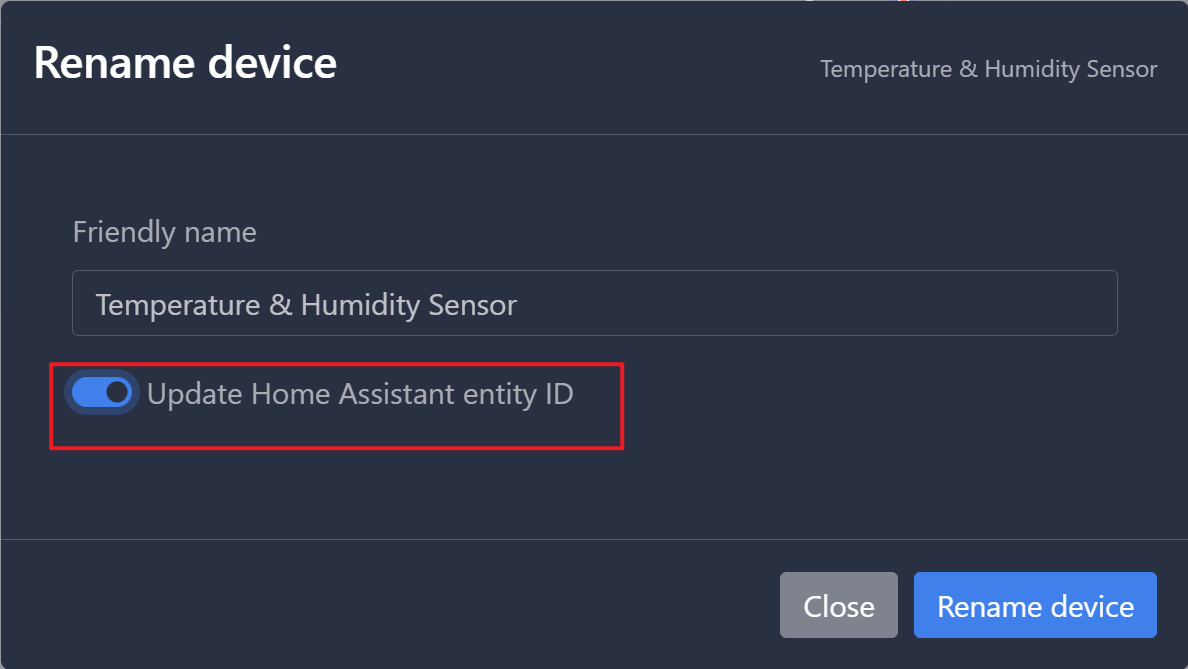
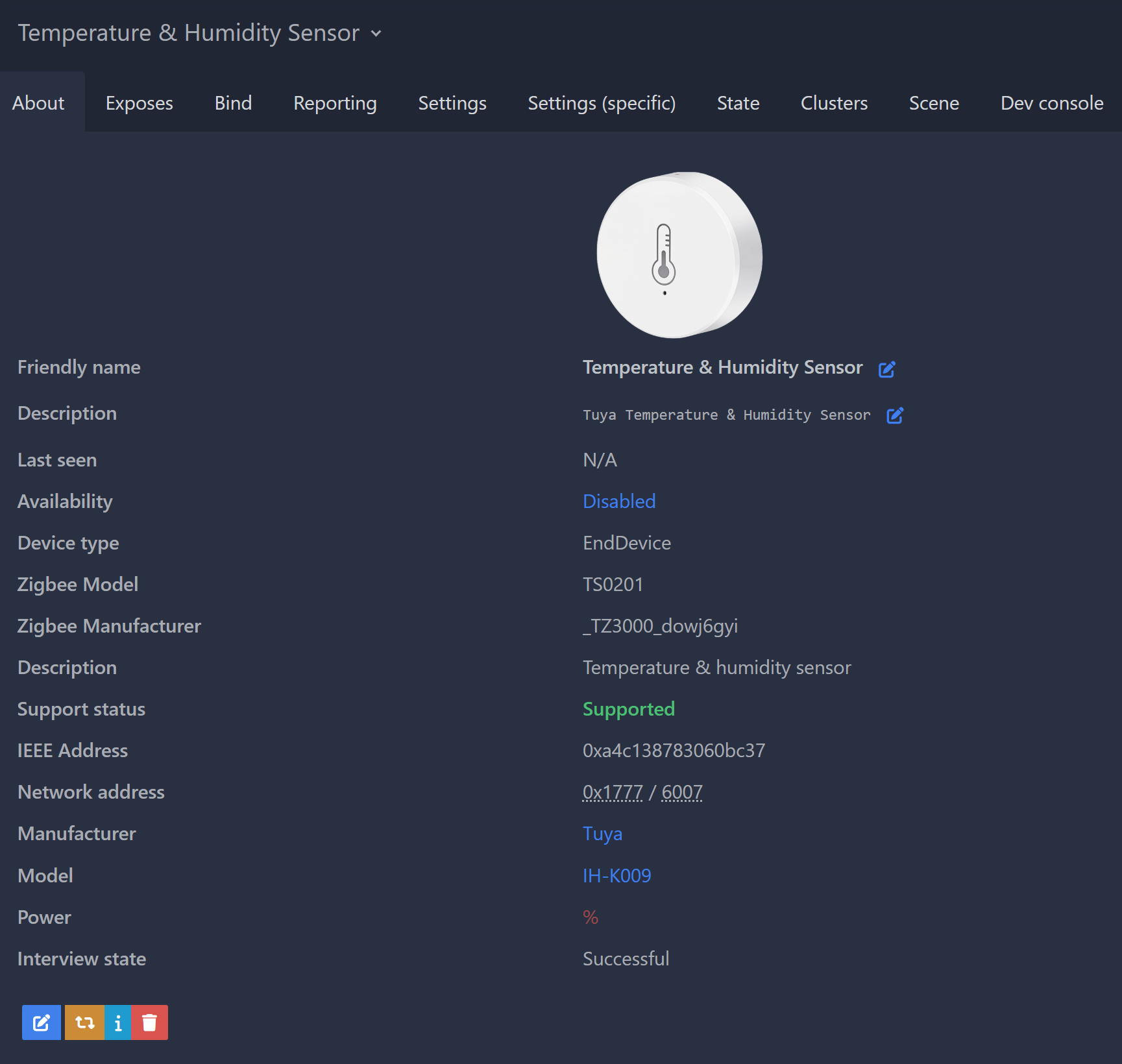
If you’ve integrated MQTT on HA, the device should be added into HA automatically. If not, follow Step 4 in Set up Zigbee dongle with HA.
Summary#
This walkthrough shows how to pair a Zigbee device with Zigbee2MQTT (“Permit join”), give it a clean friendly name, and have it appear in Home Assistant automatically via the MQTT integration.